Loading page…
Pitch
Description
Comments
A zero-knowledge password vault for total digital sovereignty.
Project details
PassForge Pro offers a secure, local-first password management solution utilizing advanced AES-256 encryption and unique features to protect sensitive data without relying on the cloud. Designed for individuals demanding the highest level of security and privacy, it ensures that user credentials remain safely on their own devices with zero data access risk.
PassForge Pro is a cutting-edge, zero-knowledge, local-first password vault designed with advanced security measures to ensure the highest level of digital privacy. This application leverages AES-256 encryption for safeguarding credentials stored within an SQLite database that exists solely on the user's machine, thereby avoiding cloud dependency and telemetry.
PassForge Pro functions as a cryptographic fortress, meticulously crafted for security professionals and individuals who prioritize absolute digital sovereignty. The following core features highlight its robust design:
The application employs a suite of sophisticated security protocols, including:
| Feature | Description |
|---|---|
| 🔒 AES-256 GCM Encryption | Military-standard authenticated encryption. |
| 🔑 PBKDF2-HMAC-SHA256 | Over 150,000 iterations for key derivation. |
| 🧠 Memory Purging | Immediate RAM wipes upon locking, exiting, or after inactivity. |
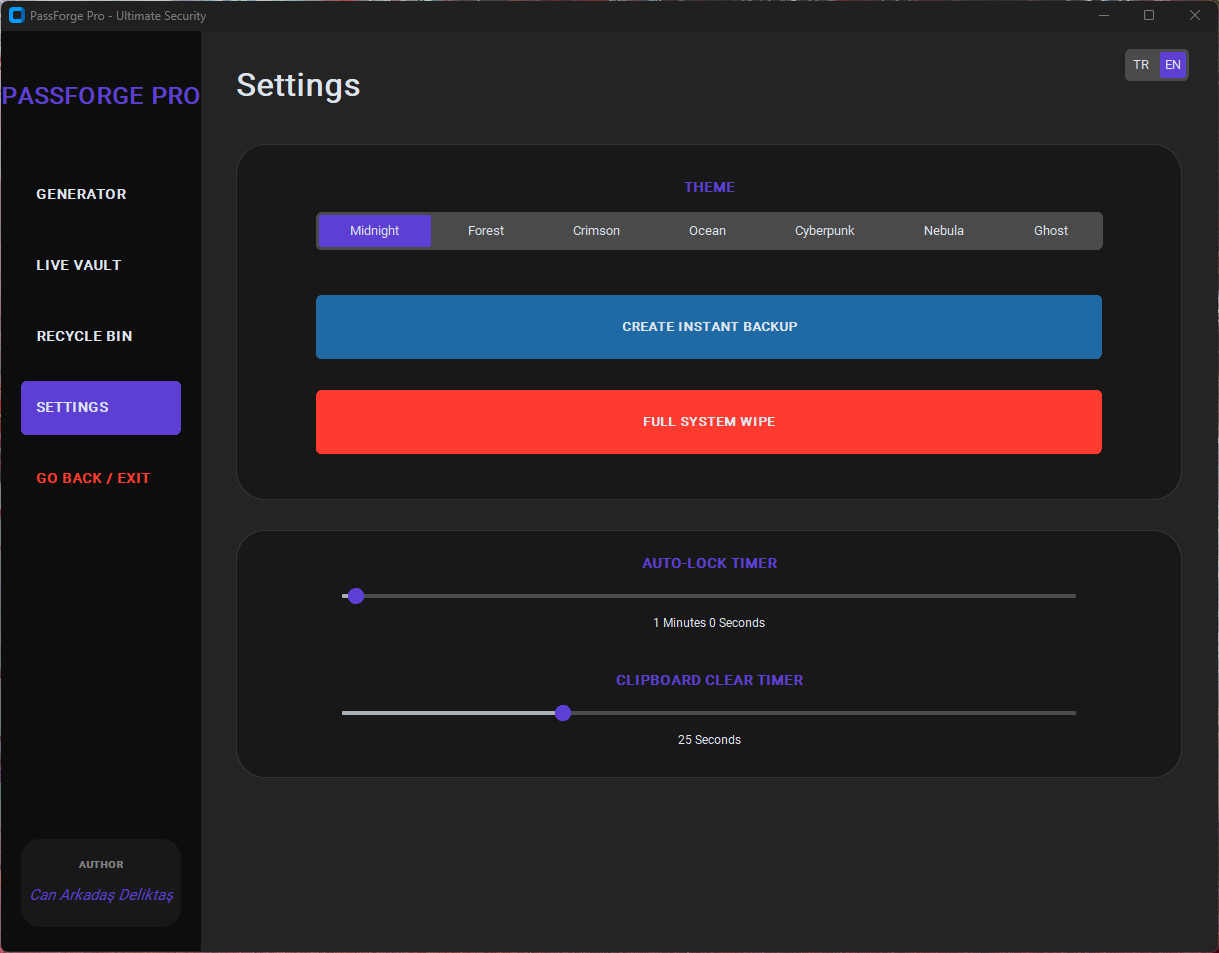
| 📋 Clipboard Sanitization | Automated clearing after a specified delay. |
| ⏱️ Auto-Lock Timer | User-configurable inactivity timeout for added security. |
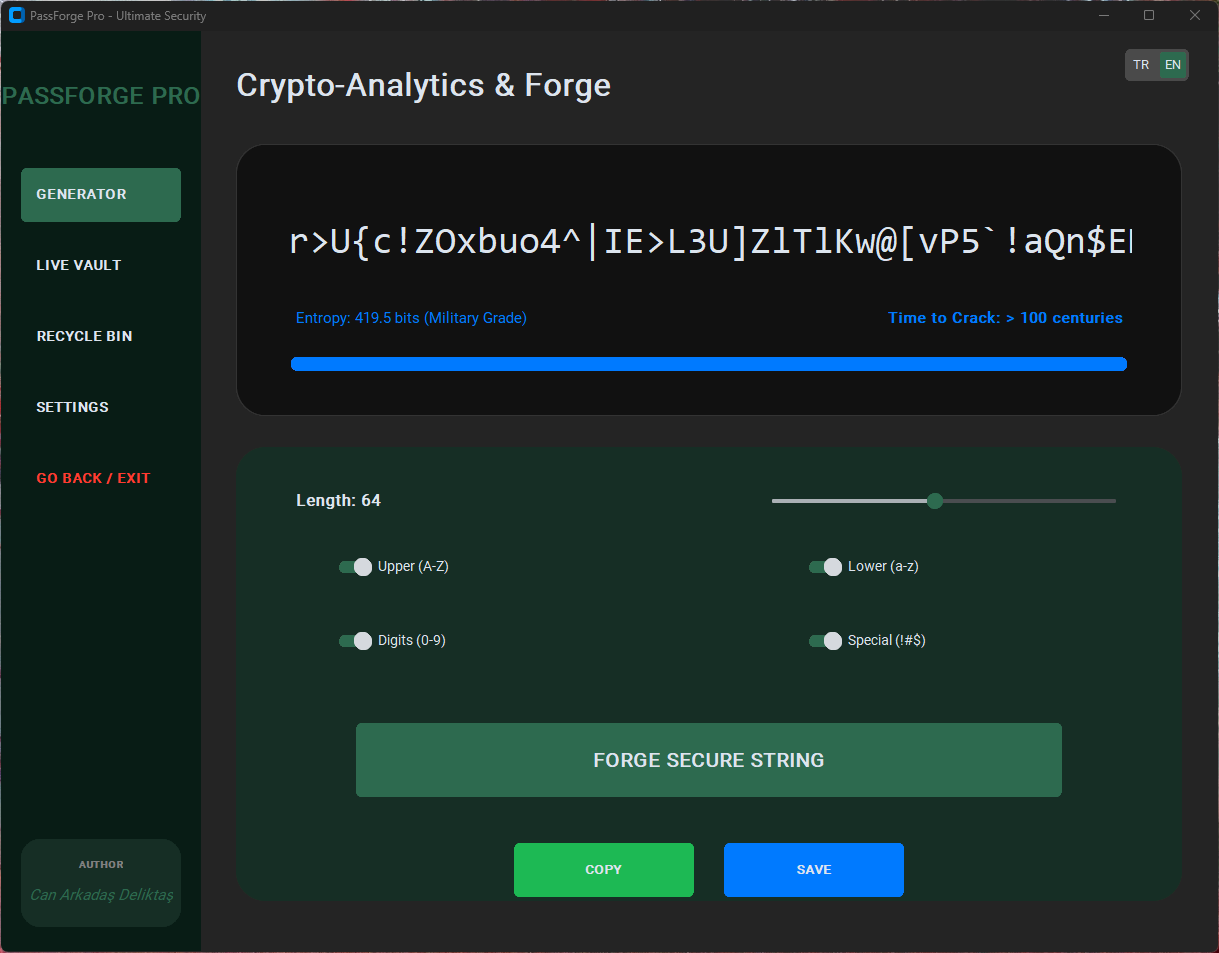
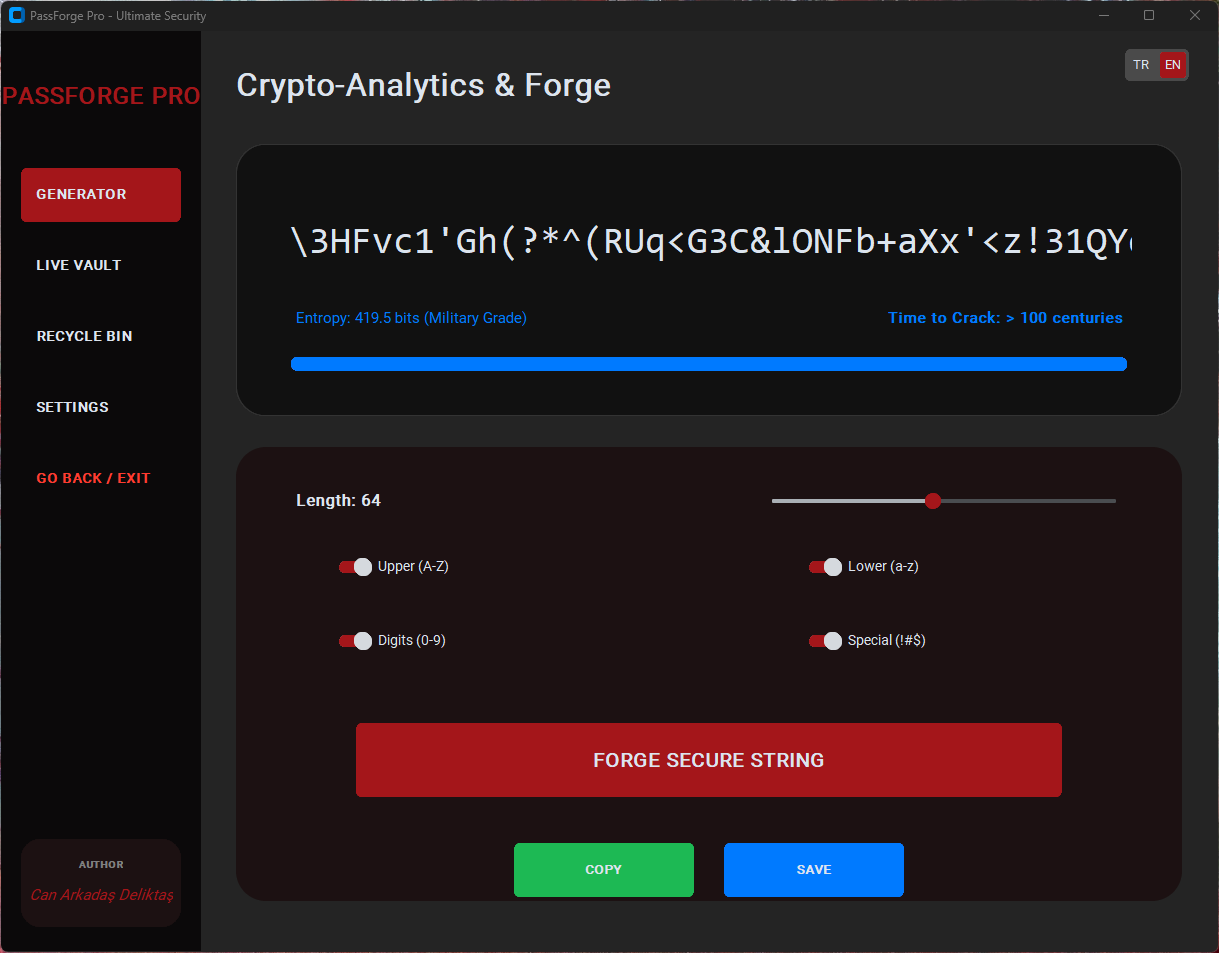
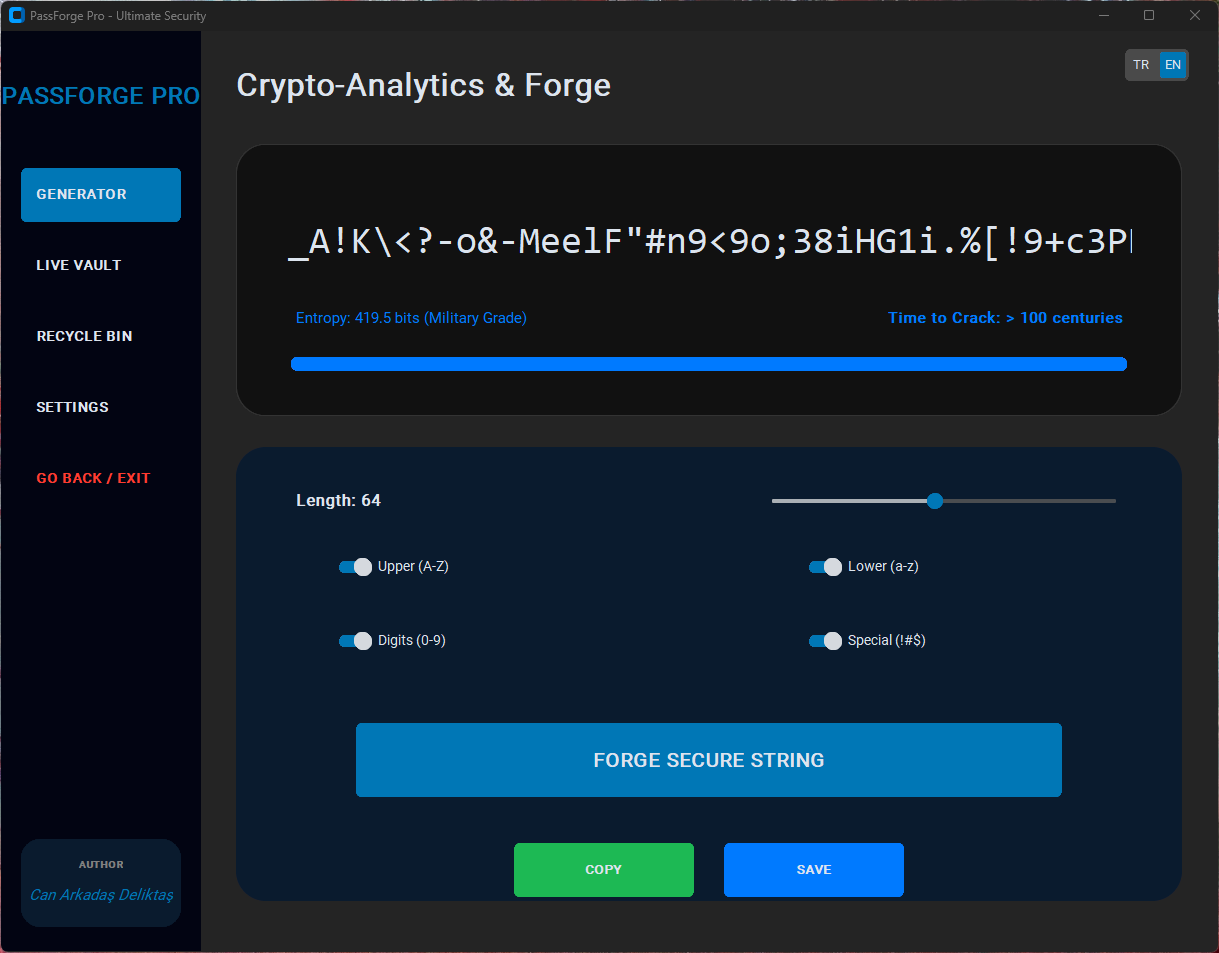
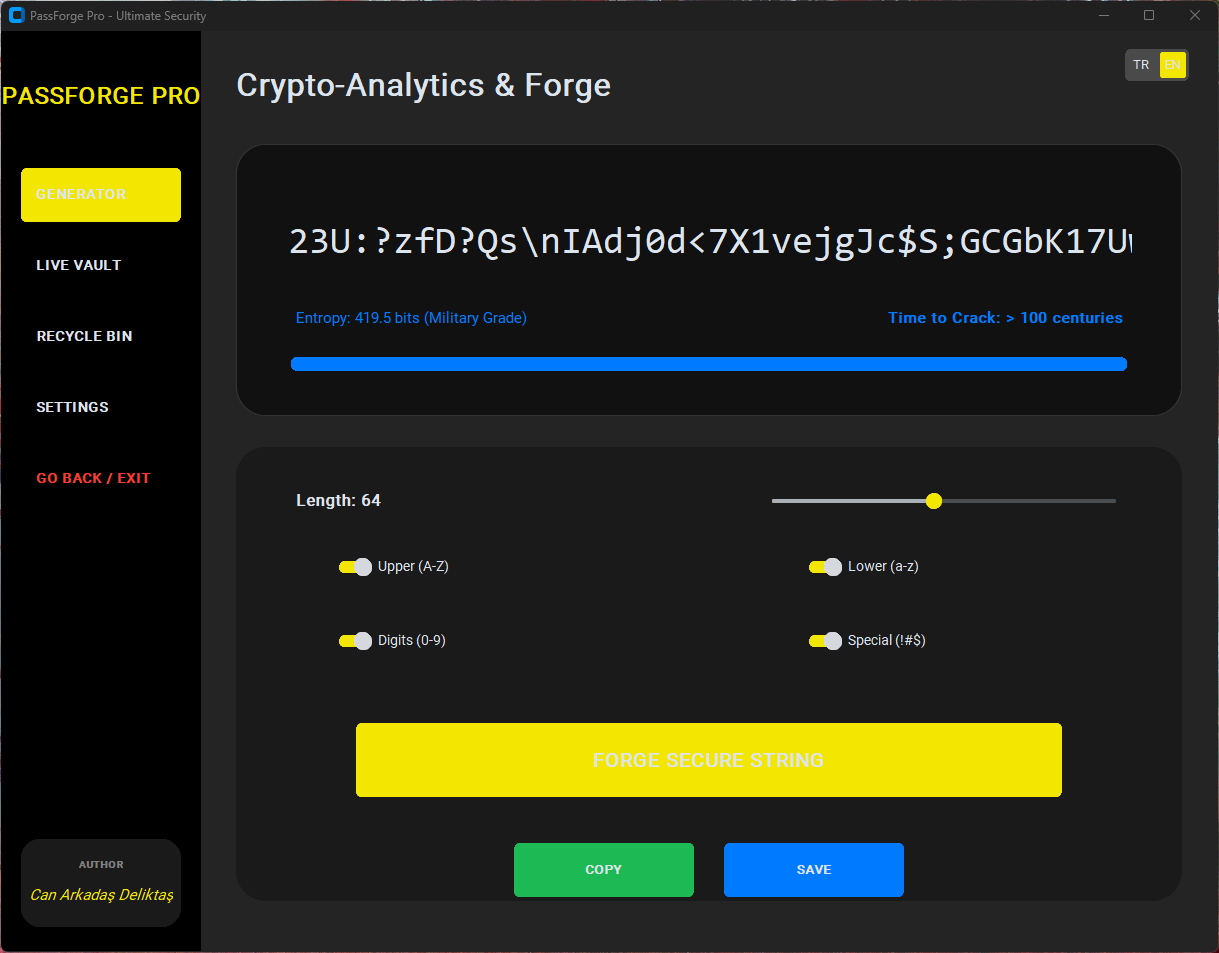
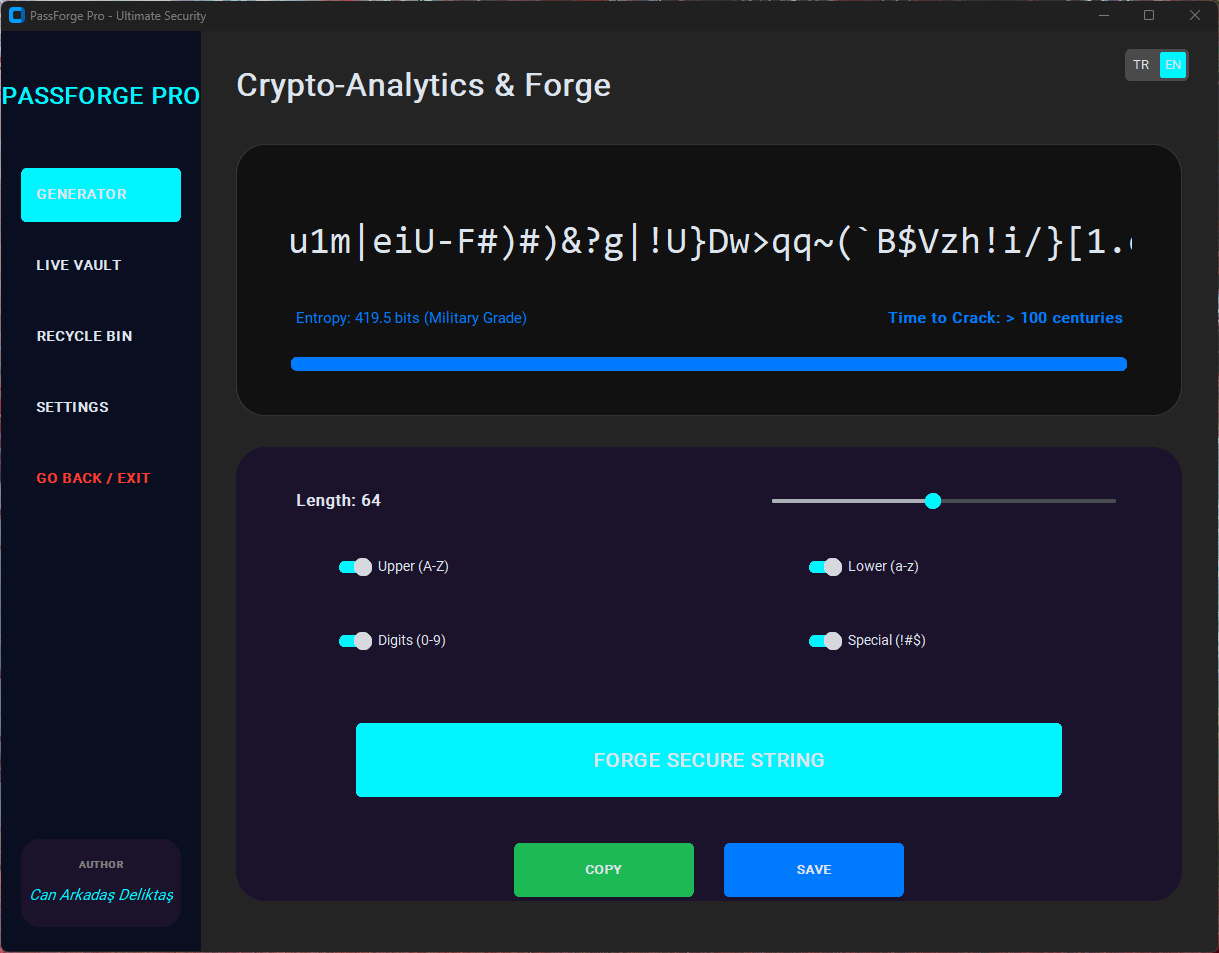
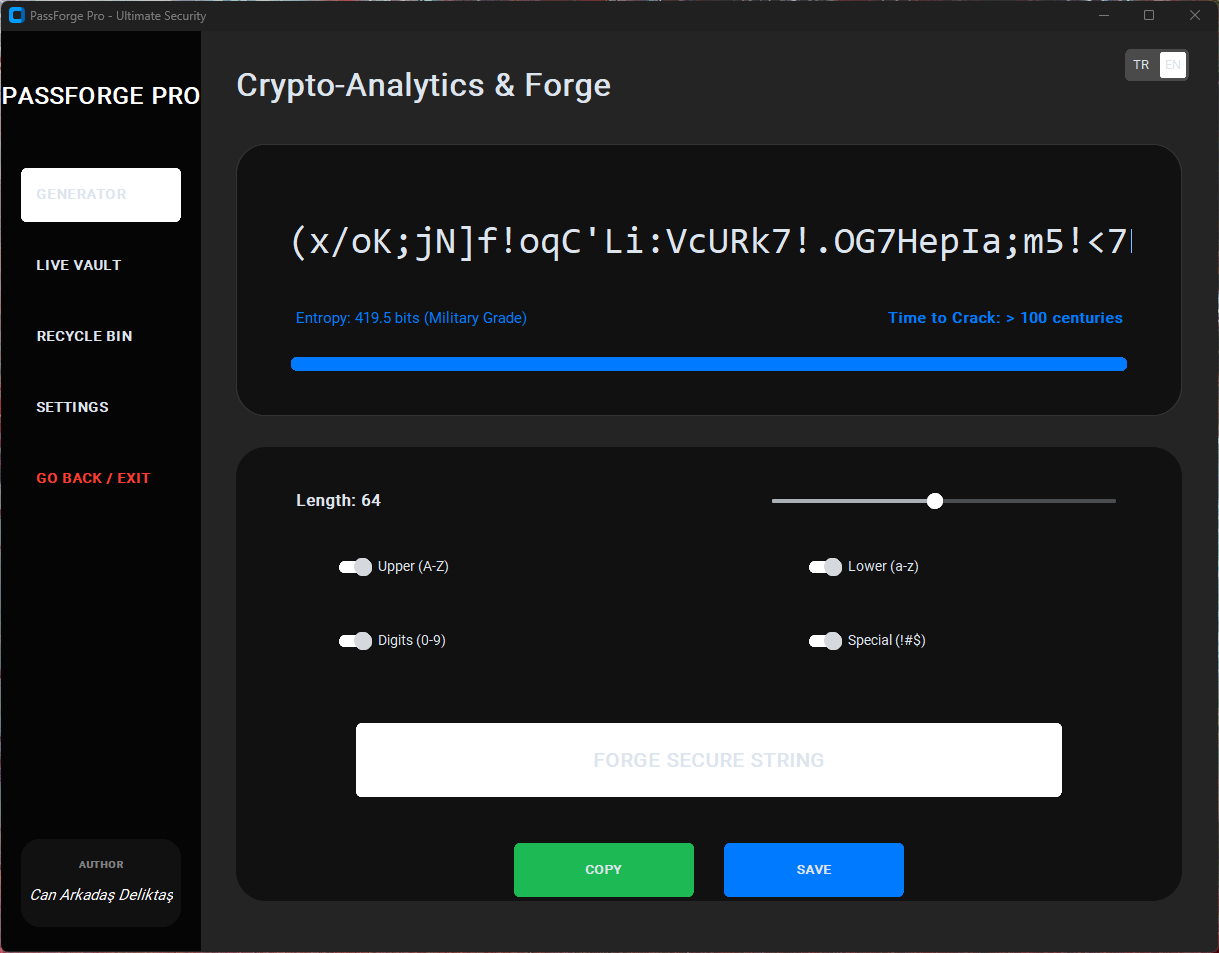
| 🎨 7 Premium Themes | Choose from several visually engaging themes, including Cyberpunk and Neon. |
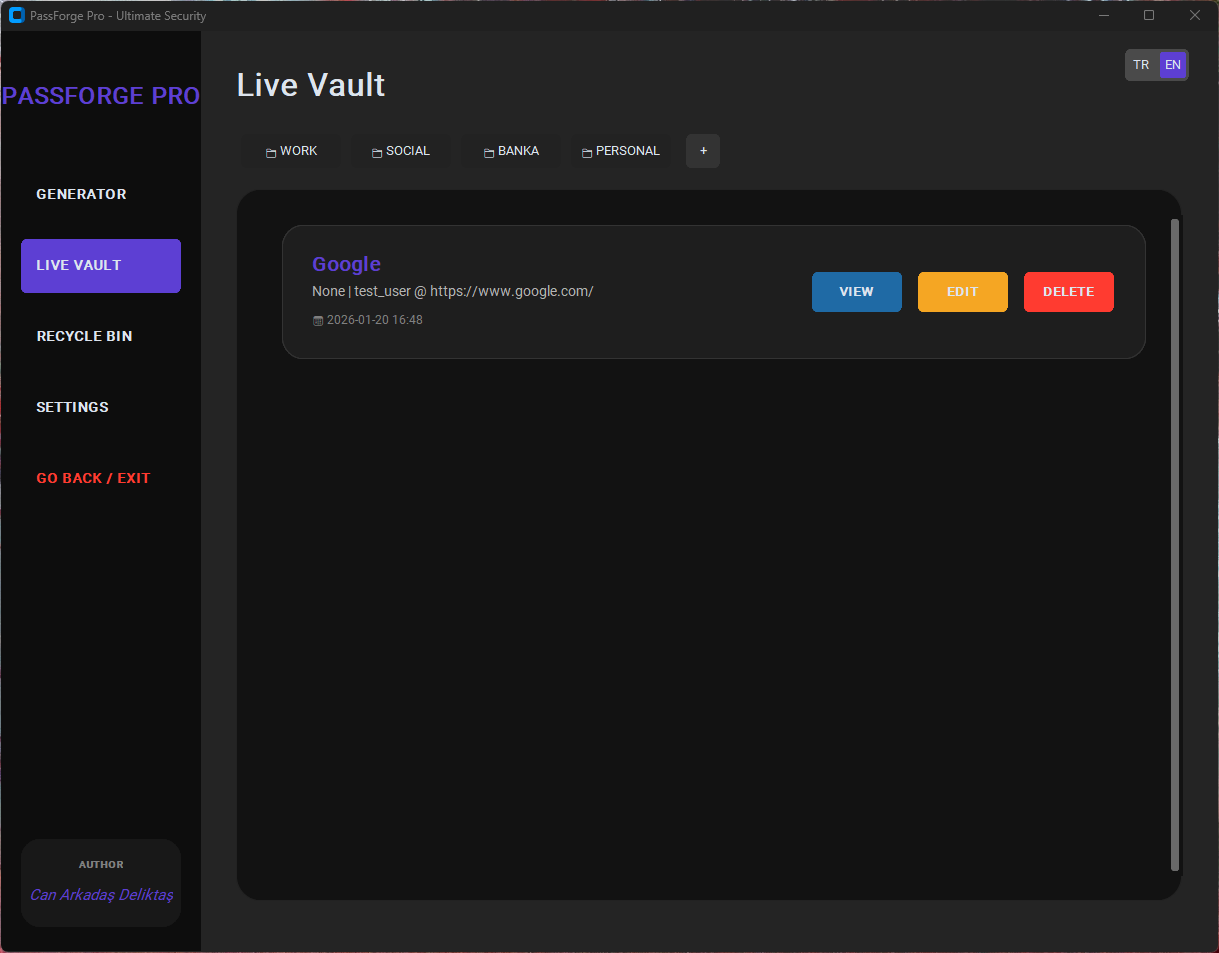
| 📁 Folder Hierarchy | Enables unlimited nested categories for organized credential storage. |
| 🔄 Trash Recovery | Provides a soft delete feature for up to 30 days before permanent removal. |
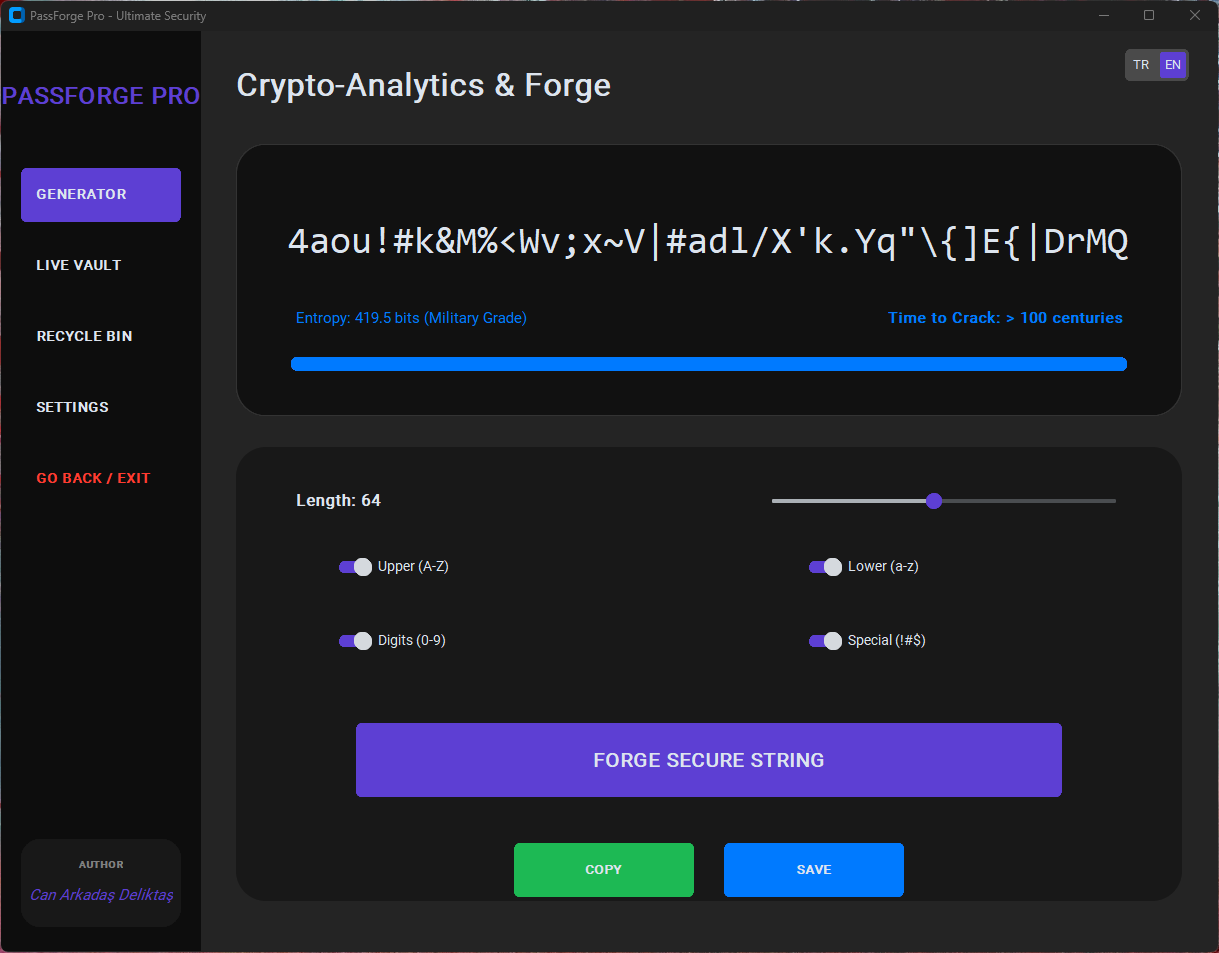
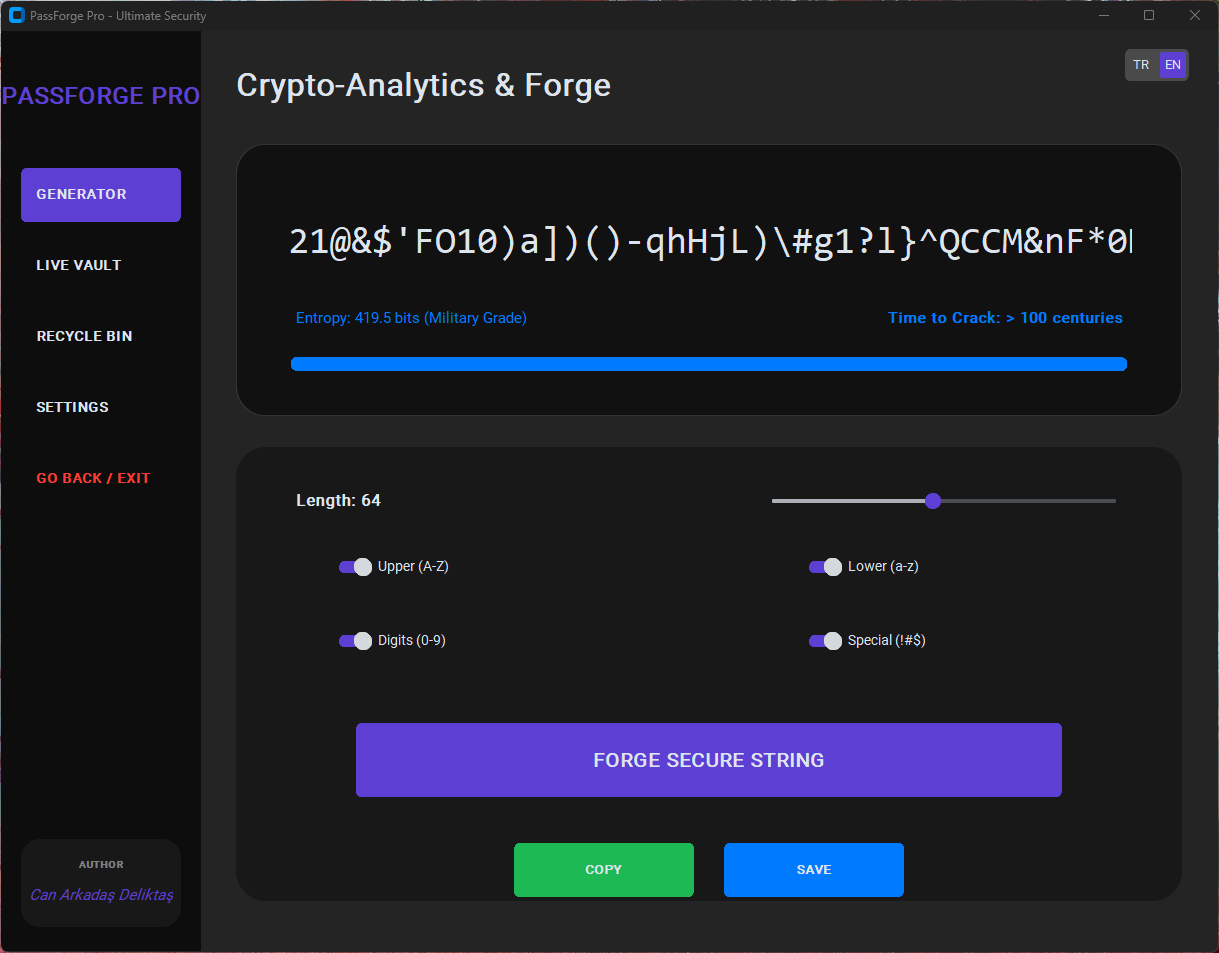
| 🎲 Password Generator | Generates secure, random passwords based on user-defined rules. |
Using PassForge Pro involves a legal disclaimer:
For a thorough understanding of usage and compliance, refer to the Privacy & Security Policy.
Hi fellow developers, open-source enthusiasts, and security fans!
I’m excited to share PassForgePro, a personal project I built to explore the design, security, and practical challenges of local-only password managers.
⚠️ Disclaimer: This project is experimental and unaudited. It is not intended to replace mature tools like Bitwarden, KeePass, or 1Password. Use it only for learning, testing, or feedback.
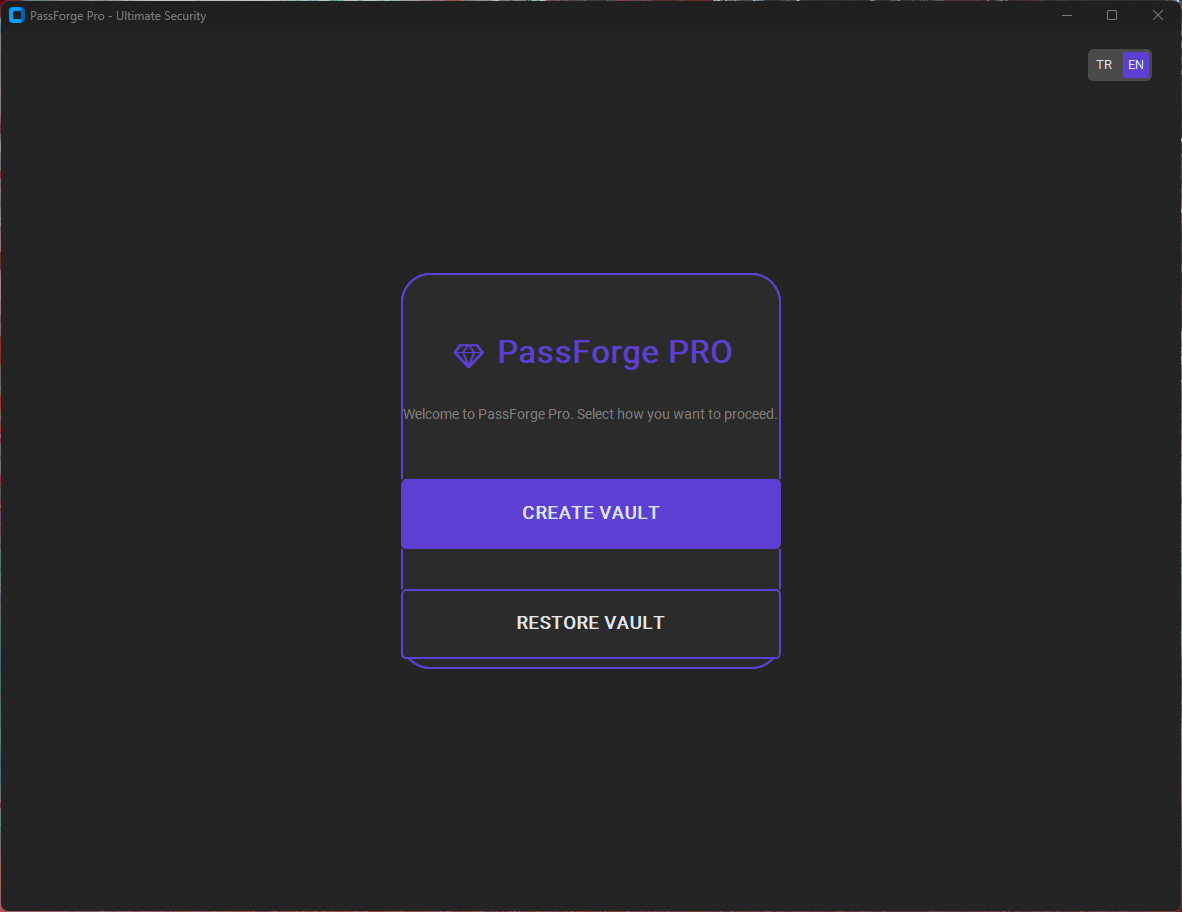
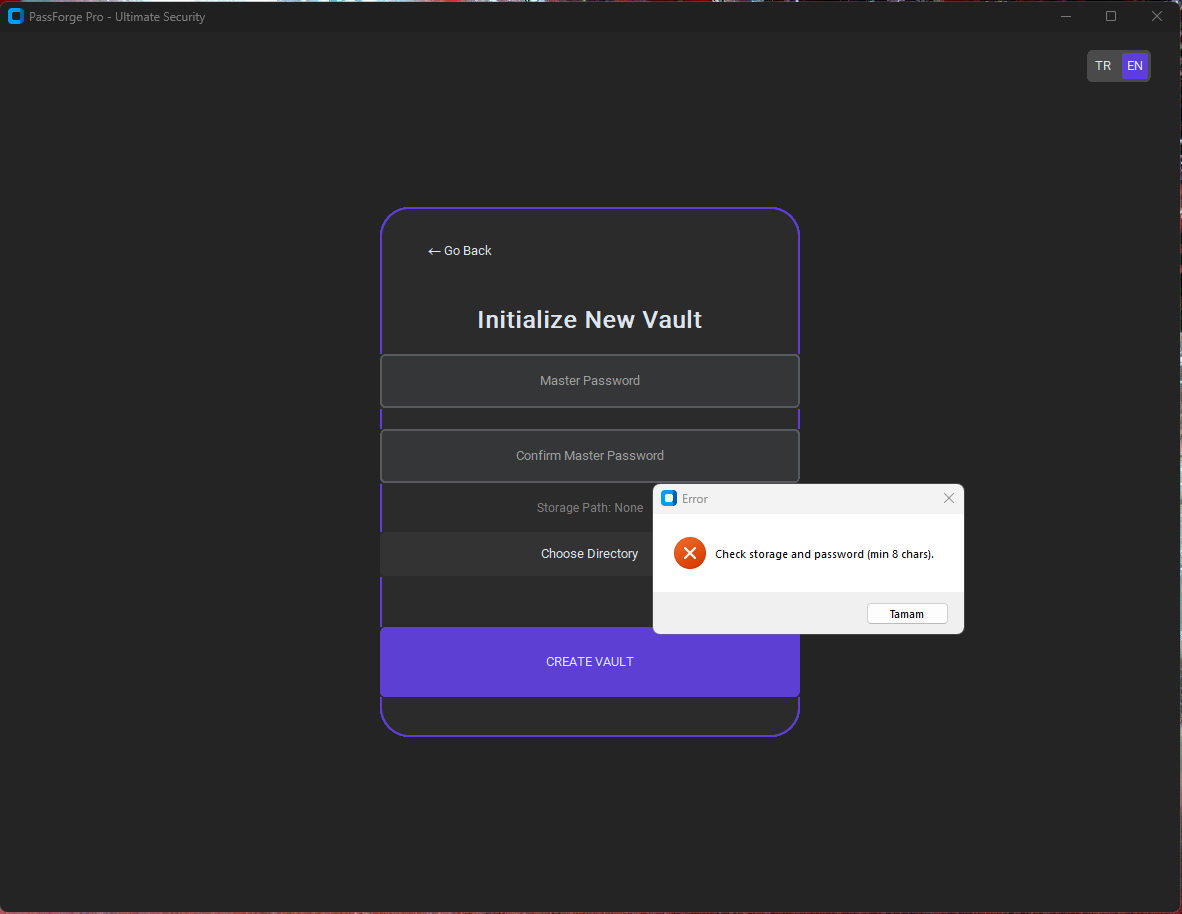
Login & Authentication
Vault Management
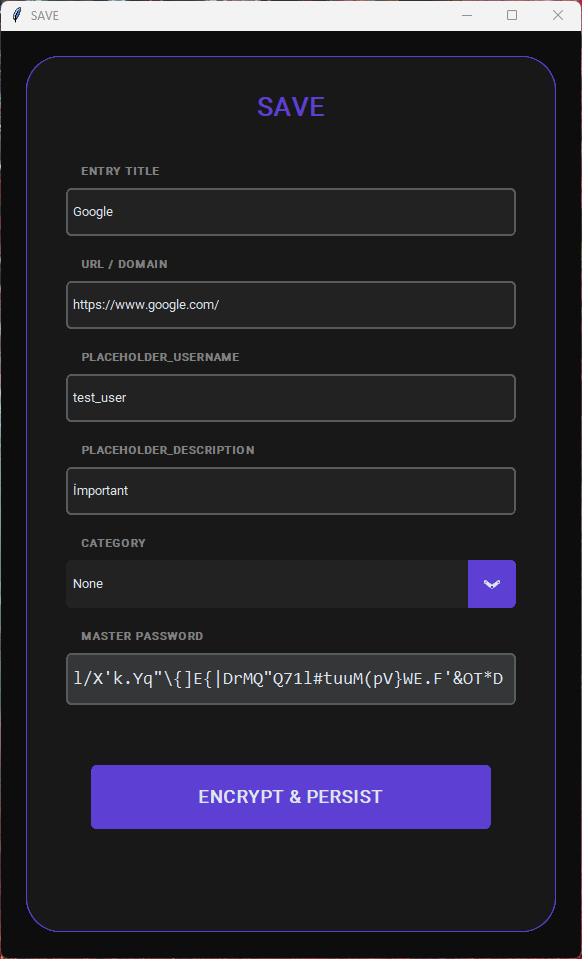
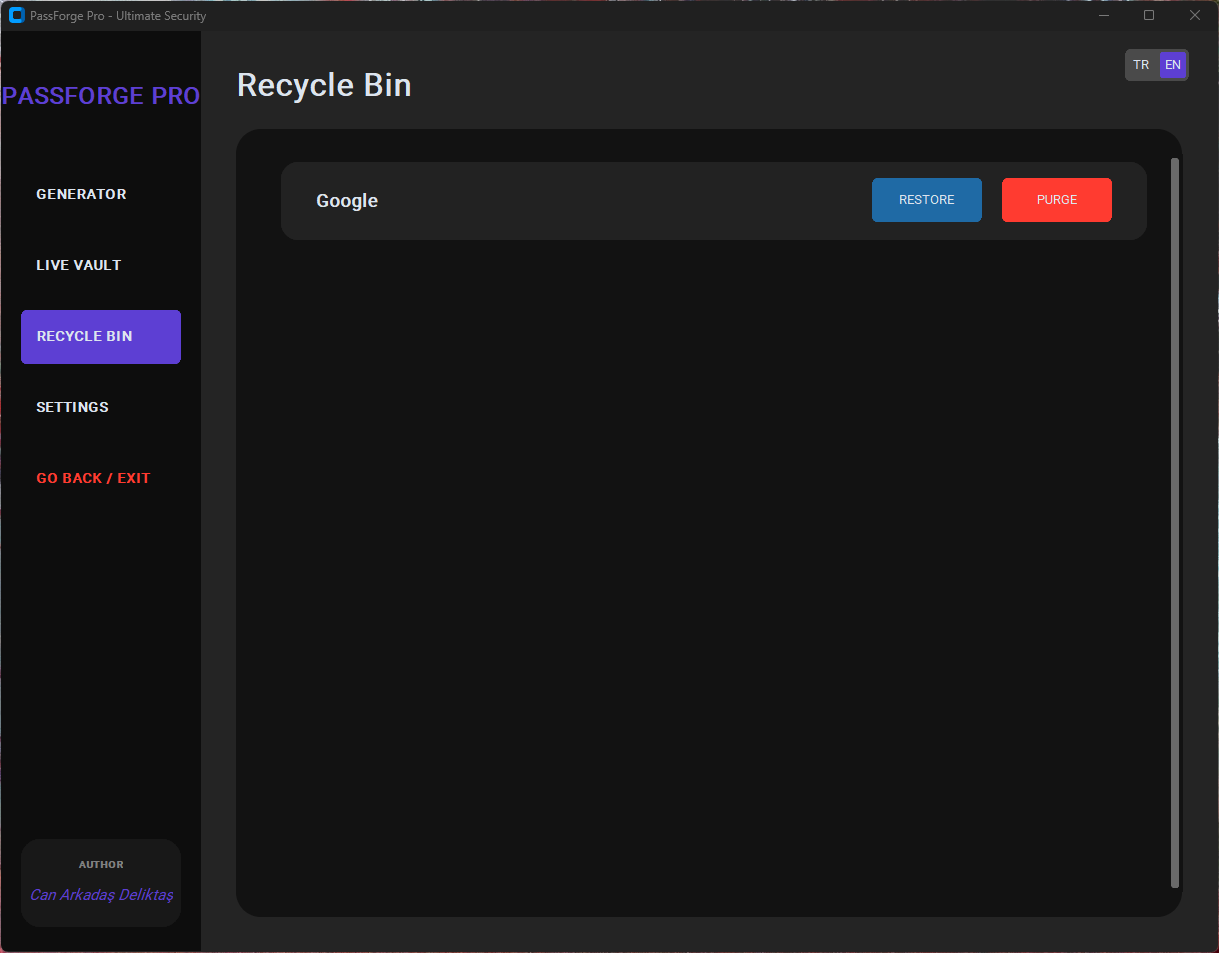
Folder & Subfolder Handling
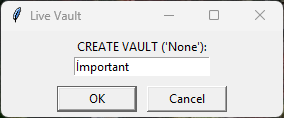
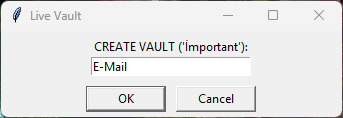
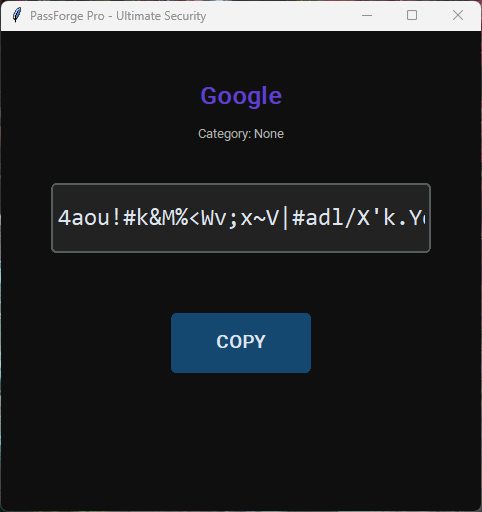
Copying & Themes
I’d really appreciate feedback from developers and security enthusiasts on:
Any suggestions, critiques, or collaboration ideas are highly welcome!
Comments
1PassForge Pro Web Site: https://can-deliktas.github.io/PassForgePro/