Loading page…
Pitch
Description
Comments
A friendly GUI for seamless peer-to-peer transfers with croc.
Project details
Crock UI transforms the croc CLI into an intuitive desktop application, making file and text transfers easy and observable. Built with React and Electron, it offers streamlined workflows, real-time progress tracking, and a modern experience while keeping all the powerful features of croc within reach.
Crock UI is an intuitive desktop application designed to enhance the user experience of croc, a peer-to-peer file and text transfer utility. Built using Electron and React, Crock UI provides a polished graphical interface that simplifies the process of sending and receiving files without relying on command-line interactions.
Crock UI serves as a modern wrapper around the croc CLI, bundling necessary binaries and exposing common workflows through a visual interface. The application architecture consists of three layers: the renderer, a preload bridge, and the main process, ensuring smooth interaction and management of resources.
Screenshots of Crock UI's interface illustrate its key functionalities:
| Send Panel | Receive Panel | History Dialog | Settings Dialog |
|---|---|---|---|
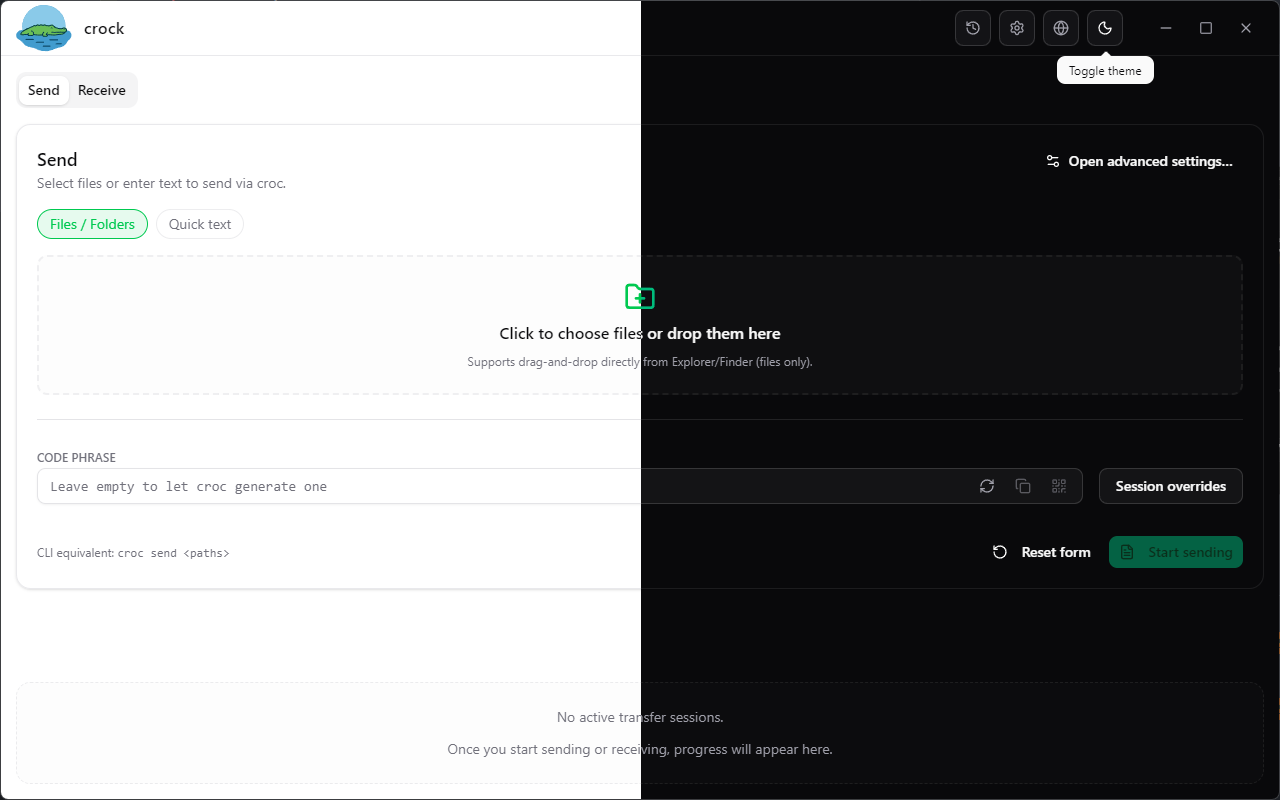 | 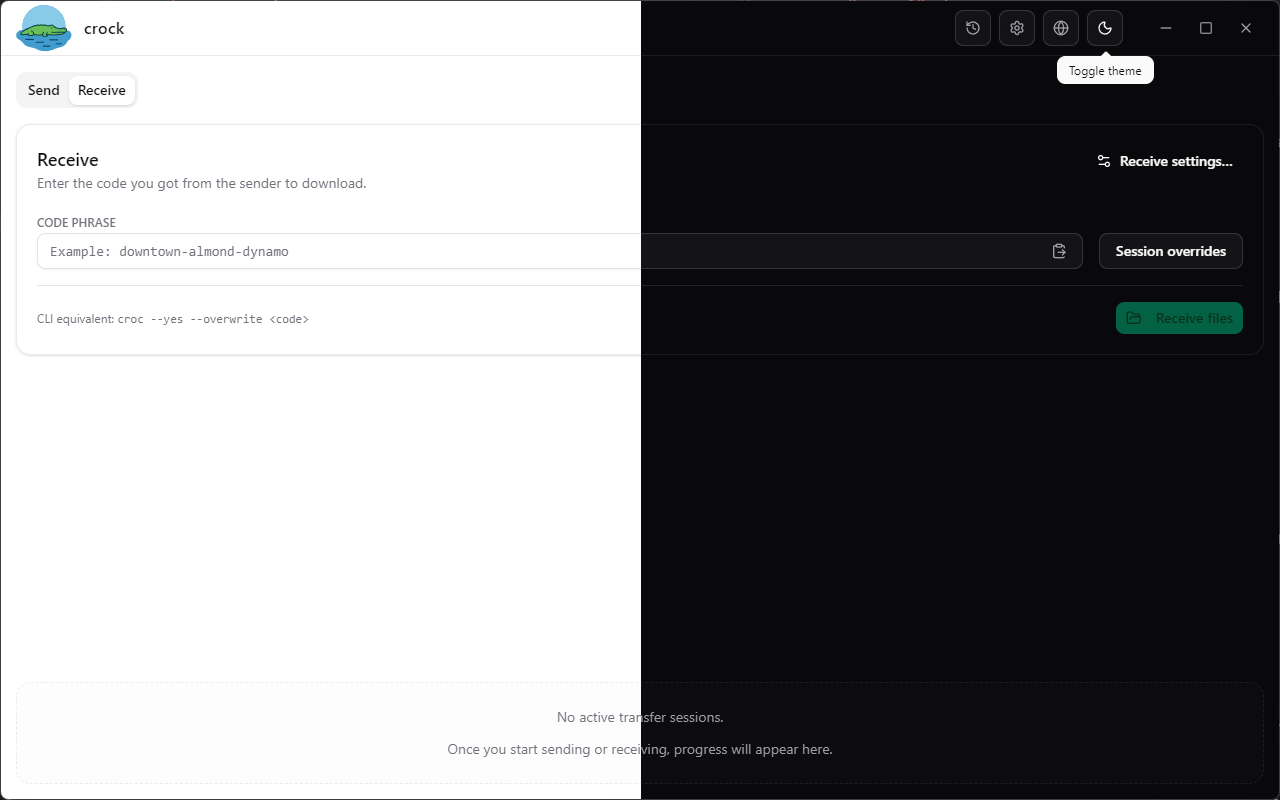 | 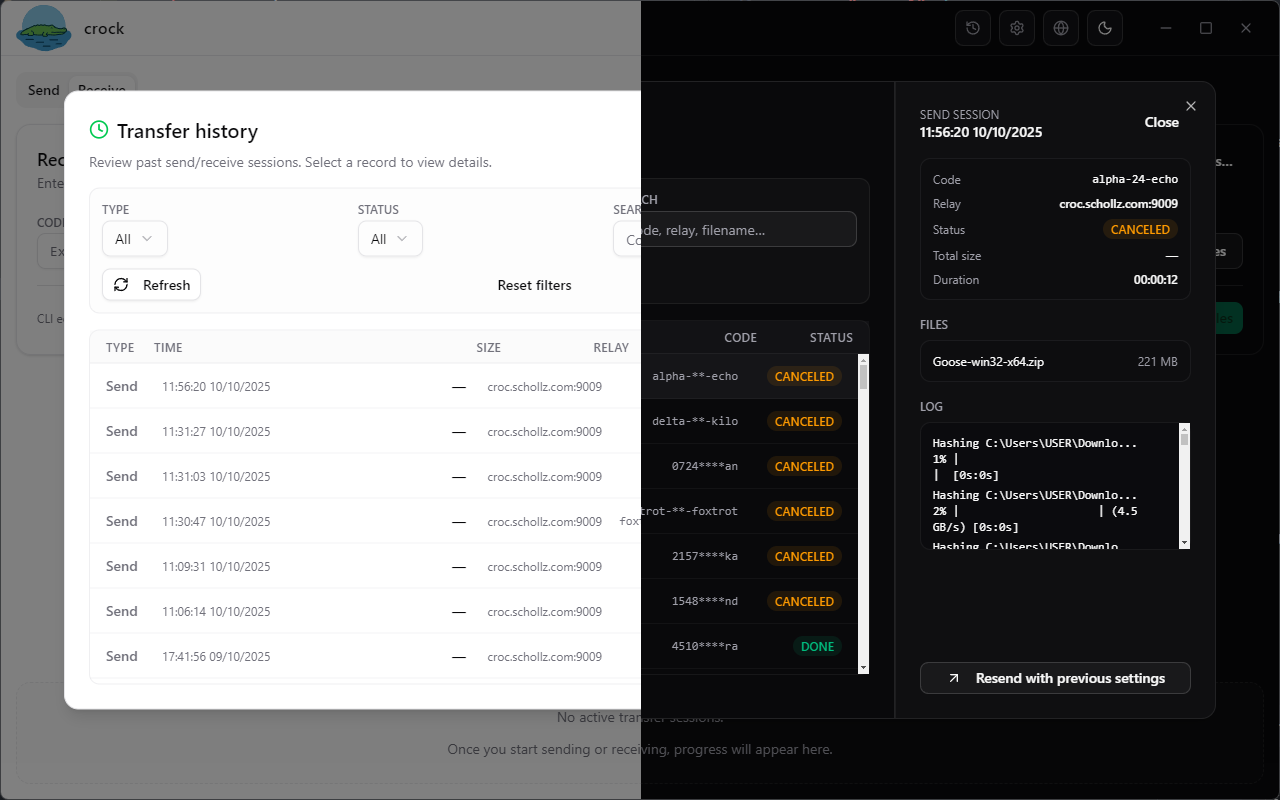 | 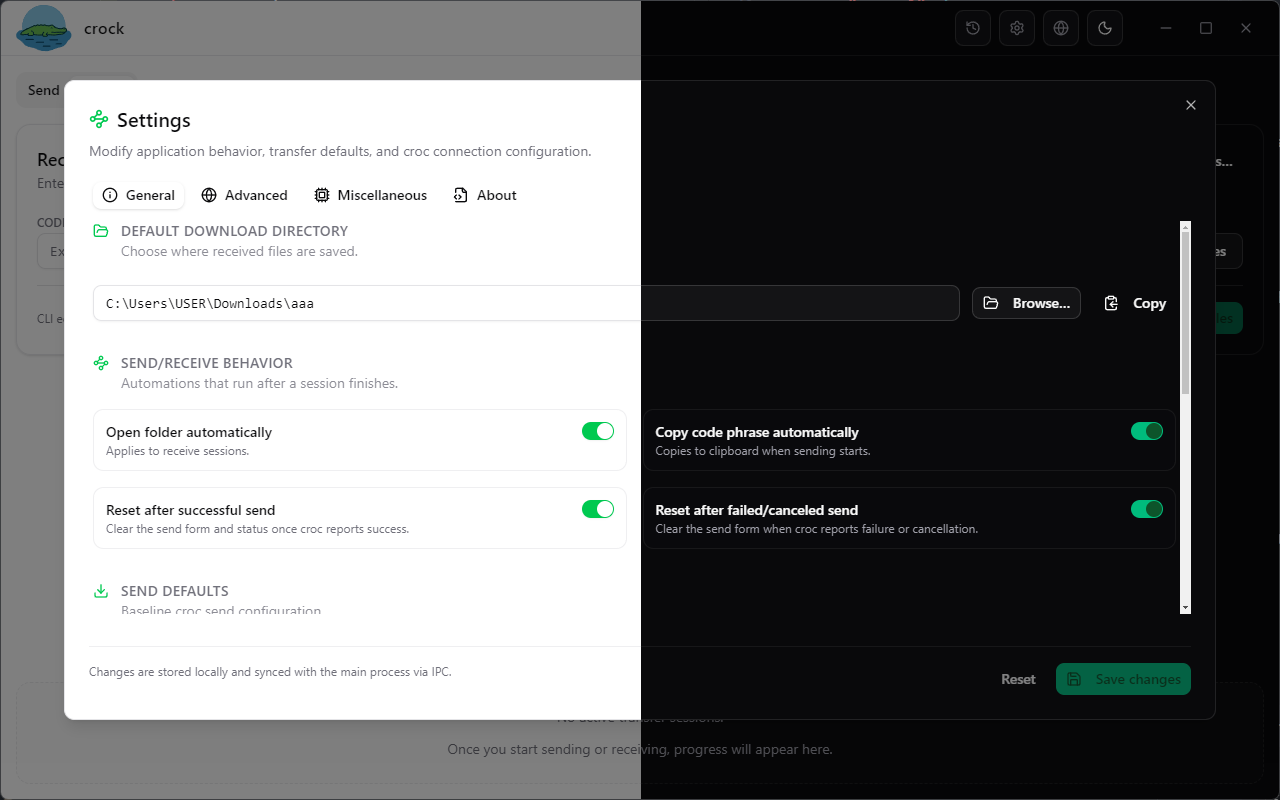 |
For more screenshots, additional previews are available in the repository.
Crock UI's project structure is organized for clarity and efficiency, comprising directories for main-process code, static assets, and the React renderer, among others:
crock/
├─ electron/                # Main-process code and services
├─ public/                  # Static assets (logo, icons)
├─ src/                     # React renderer (components, stores, hooks)
│  ├─ components/           # UI elements grouped by feature
│  ├─ lib/                  # Utilities (i18n, window API)
│  ├─ locales/              # Translation resources
│  └─ stores/               # Zustand stores synchronized via IPC
├─ dist/                    # Renderer production build output
├─ dist-electron/           # Compiled main & preload bundles
└─ package.json             # Dependencies and scripts
Contributions to enhance Crock UI are welcomed, and detailed instructions on testing and submitting changes can be found in the repository's README.
Comments
0Start the conversation
Share the first comment.