Loading page…
Pitch
Description
Comments
Streamline manual testing with an easy-to-use multi-platform app.
Project details
Qastor simplifies the process of creating and managing manual test suites for developers. With a user-friendly interface, it enables quick evidence gathering through screenshots and logs, reducing the time spent on repetitive tasks. Ideal for teams aiming to enhance their QA processes, Qastor delivers innovation in manual testing.
Qastor is a powerful multi-platform desktop application designed to streamline the creation of manual testing suites and the efficient collection of related evidence such as screenshots and debug logs. By providing a user-friendly interface, Qastor helps developers focus on testing rather than the tedious tasks of copying and pasting images and logs.
| Welcome View | Cases View |
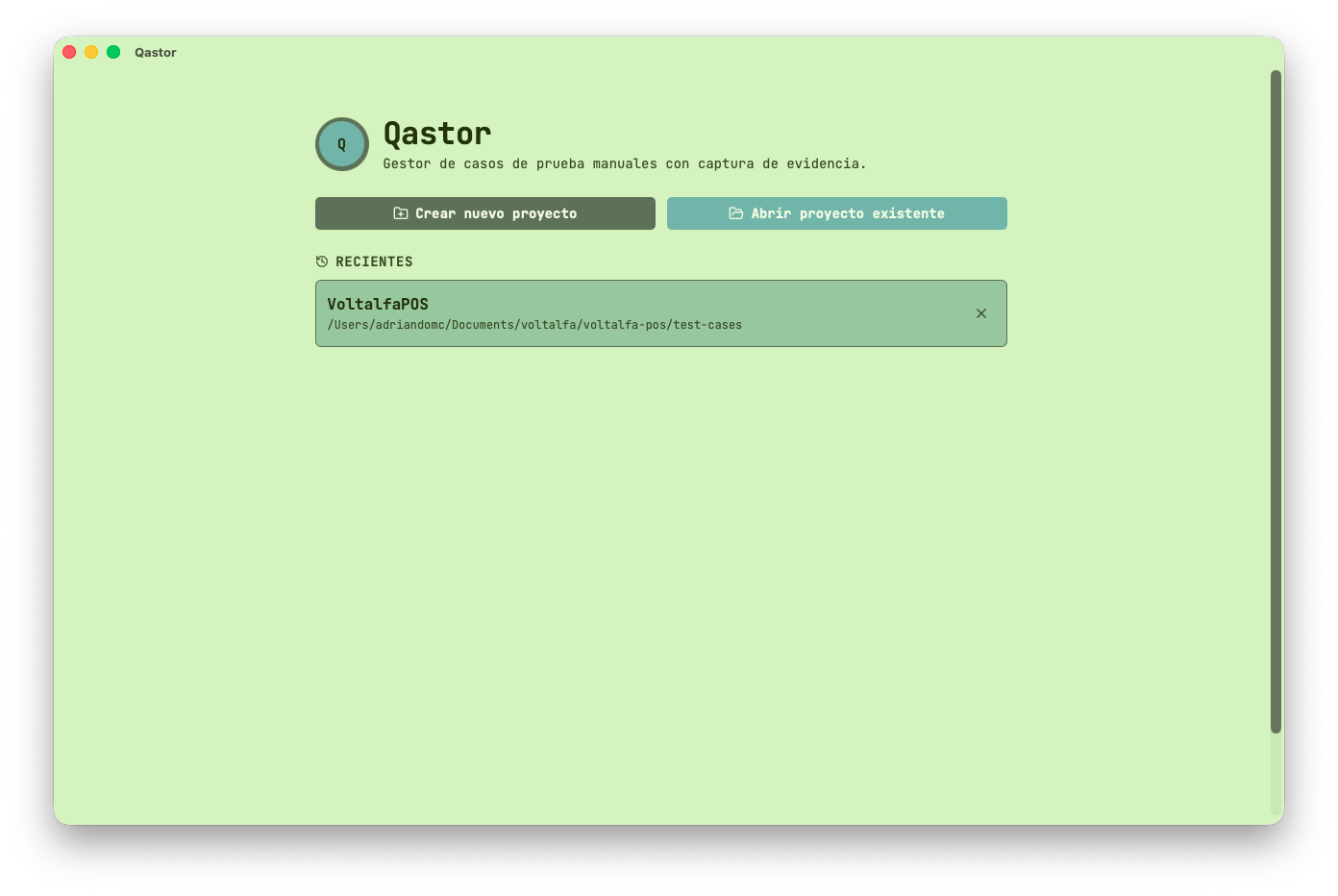 | 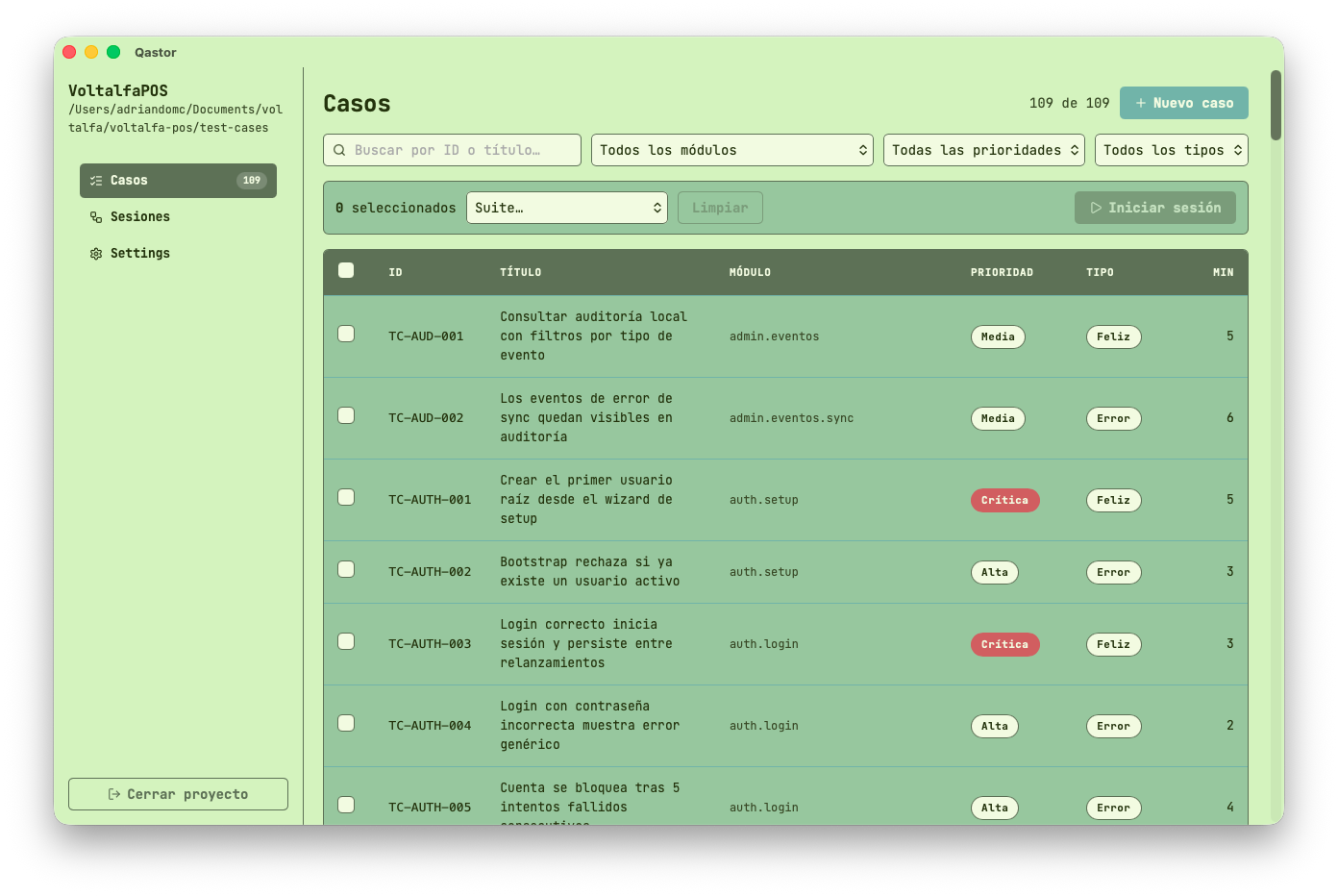 |
| Settings View | Test Case Detail View |
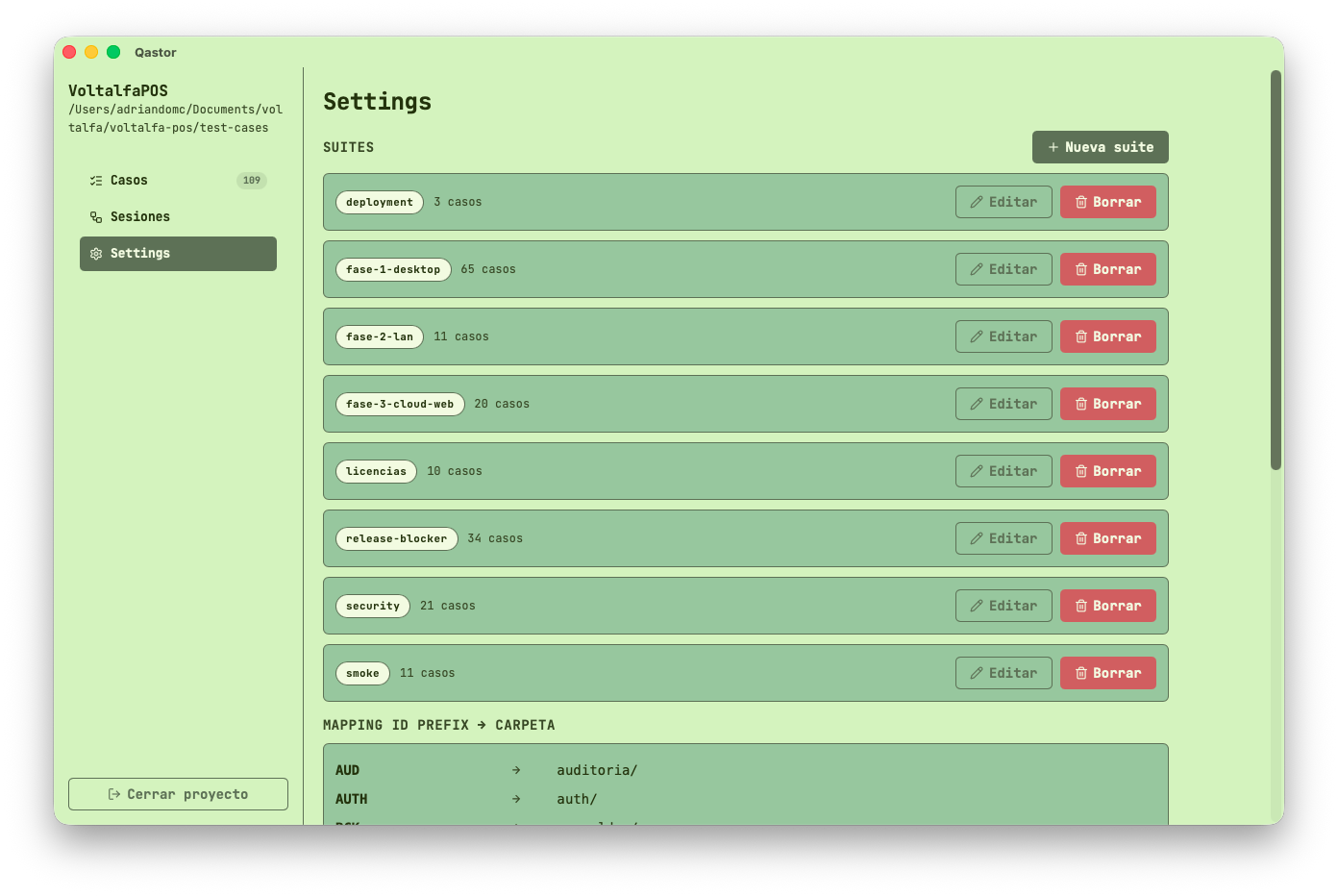 | 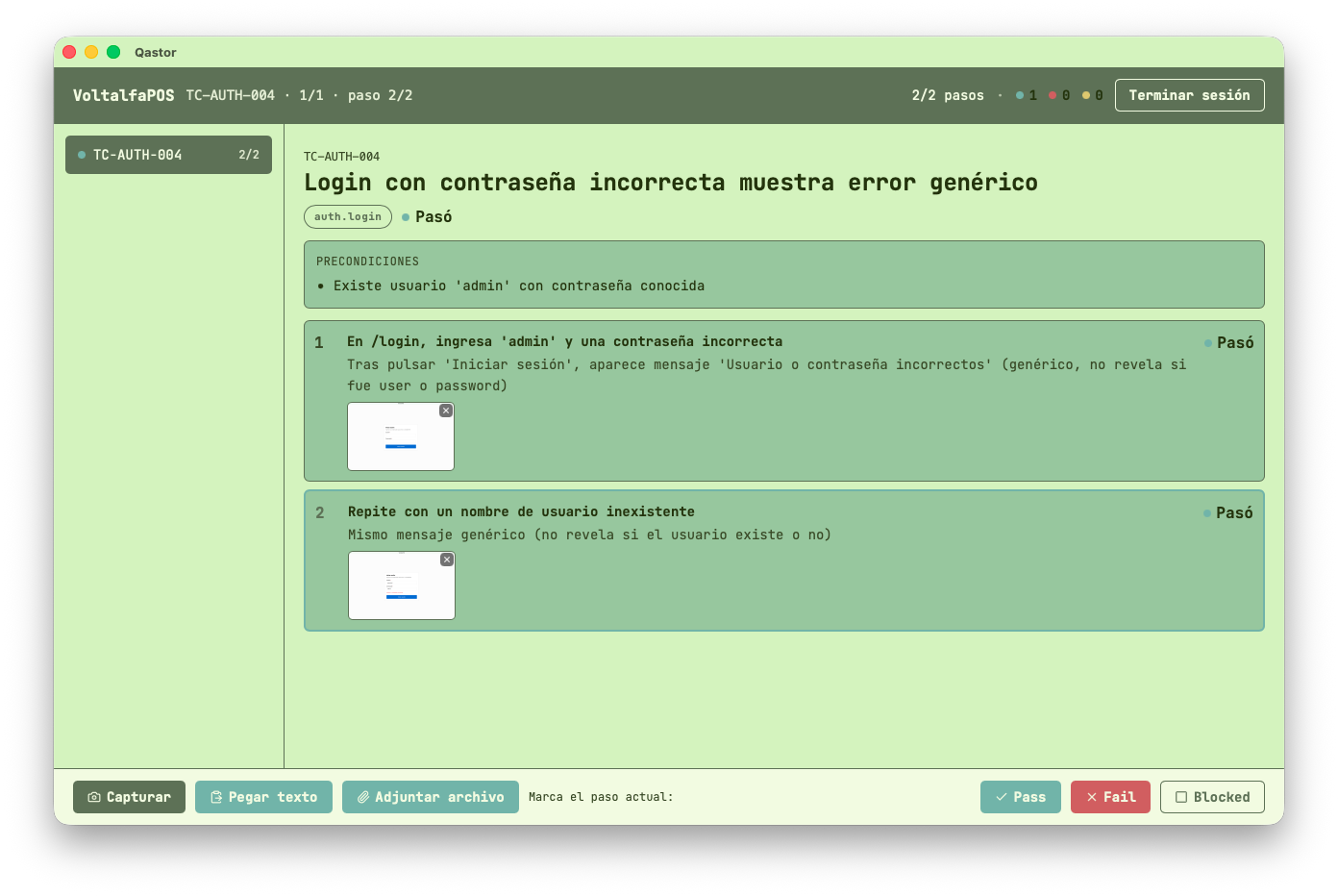 |
Qastor enhances productivity with global hotkeys for effortless task performance:
| Action | macOS | Windows / Linux |
|---|---|---|
| Capture region & advance step | Cmd+Shift+E | Ctrl+Shift+E |
| Mark step as passed & advance | Cmd+Shift+P | Ctrl+Shift+P |
| Mark step as failed | Cmd+Shift+F | Ctrl+Shift+F |
| Mark step as blocked & advance | Cmd+Shift+B | Ctrl+Shift+B |
| Toggle Qastor window visibility | Cmd+Shift+Q | Ctrl+Shift+Q |
These hotkeys can be customized to suit user preferences.
Qastor is built with a modern tech stack, including:
ajv (frontend) and serde_json (backend)In addition to manual testing functionality, Qastor supports automatic test case generation through AI. Users can leverage this feature by providing an AI model with the AI-TEST-CASE-GENERATION.md file to generate compatible test cases in Qastor's JSON schema effortlessly.
As an early alpha version, Qastor is continuously evolving. Certain features such as automated testing integrations, video recording, and cloud synchronization have yet to be implemented or fully optimized. Users are encouraged to share feedback for future enhancements.
Comments
0Start the conversation
Share the first comment.