Loading page…
Pitch
Description
Comments
Revolutionize your Python project management with an interactive terminal dashboard.
Project details
TermBoard transforms the way developers manage their Python projects by providing an interactive terminal dashboard. It eliminates the hassle of managing scripts across various environments, enhances discoverability for new developers, and keeps project workflows organized, all within a beautiful and intuitive UI.
A beautiful, interactive terminal dashboard for Python projects, environments, and tasks.
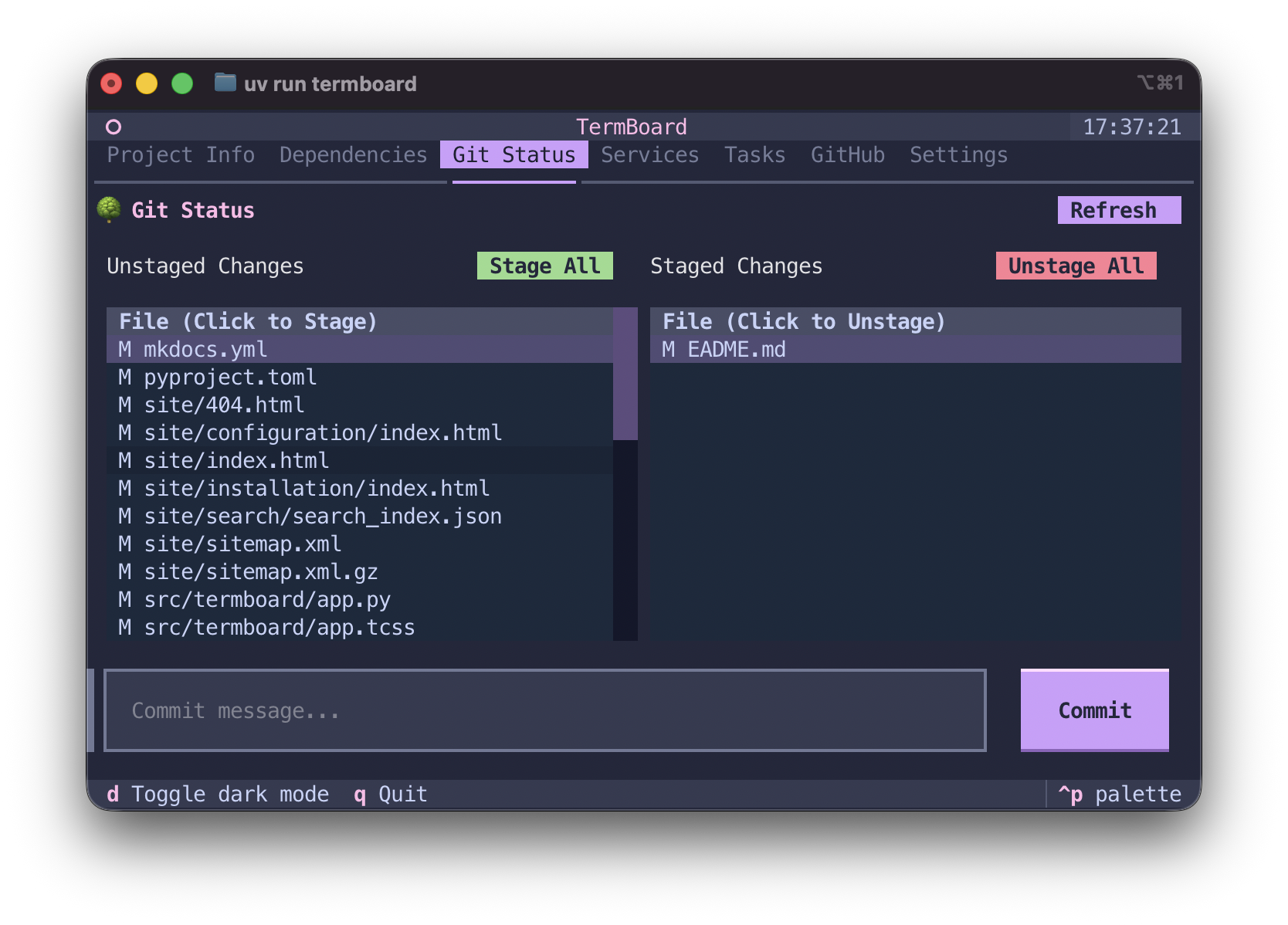
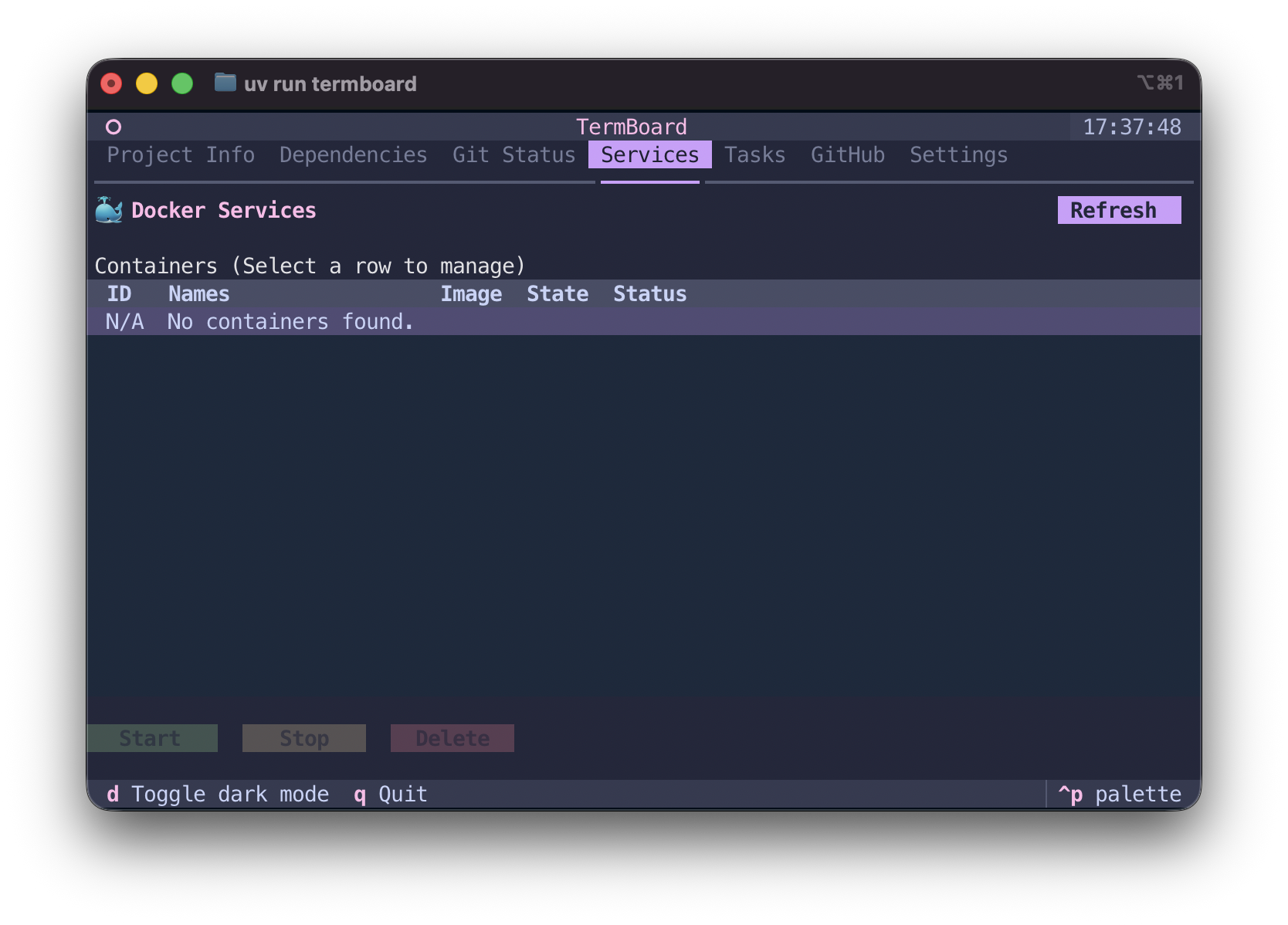
TermBoard addresses common frustrations developers face when managing project workflows through scripts. Typically, the reliance on Makefiles or bash scripts leads to several issues:
uv, poetry, or conda) can lead to executing tasks in incorrect contexts.TermBoard redefines workflow management with an interactive Terminal UI (TUI) that enhances usability and efficiency for Python projects:
uv, poetry, pipenv, or .venv) and executes tasks accordingly, minimizing manual setup.termboard.toml file, enabling their teams to clone the repository and access a tailored UI for deploying, testing, and building tasks immediately.pyproject.toml.pytest and ruff, executing those tasks asynchronously for enhanced workflow management.TermBoard is designed for global installation on your machine, usable within any Python project. Simply navigate to your project directory and type:
termboard
If no custom tasks are defined, TermBoard will automatically provide default options for testing and linting.
Comments
0Start the conversation
Share the first comment.