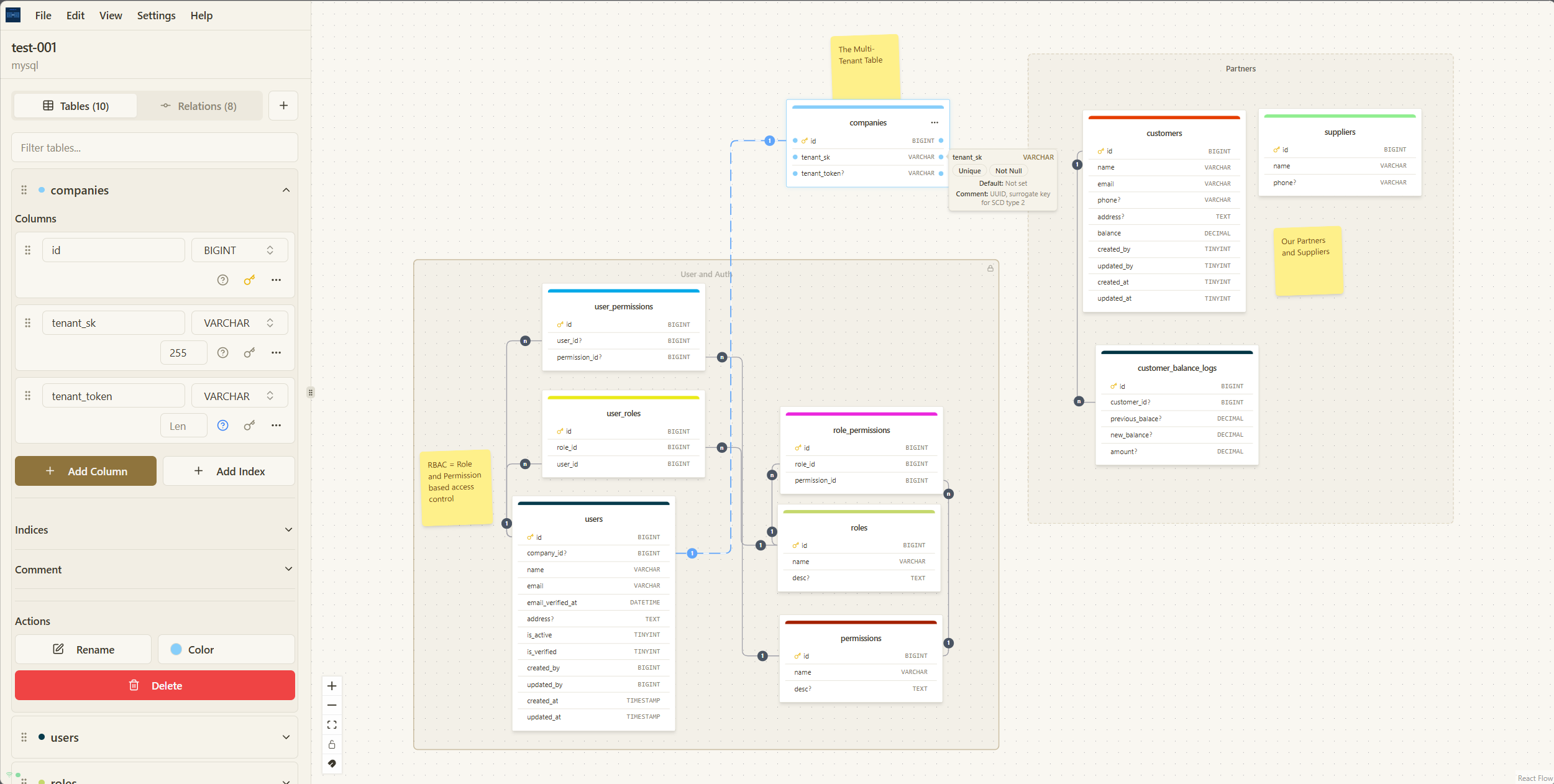
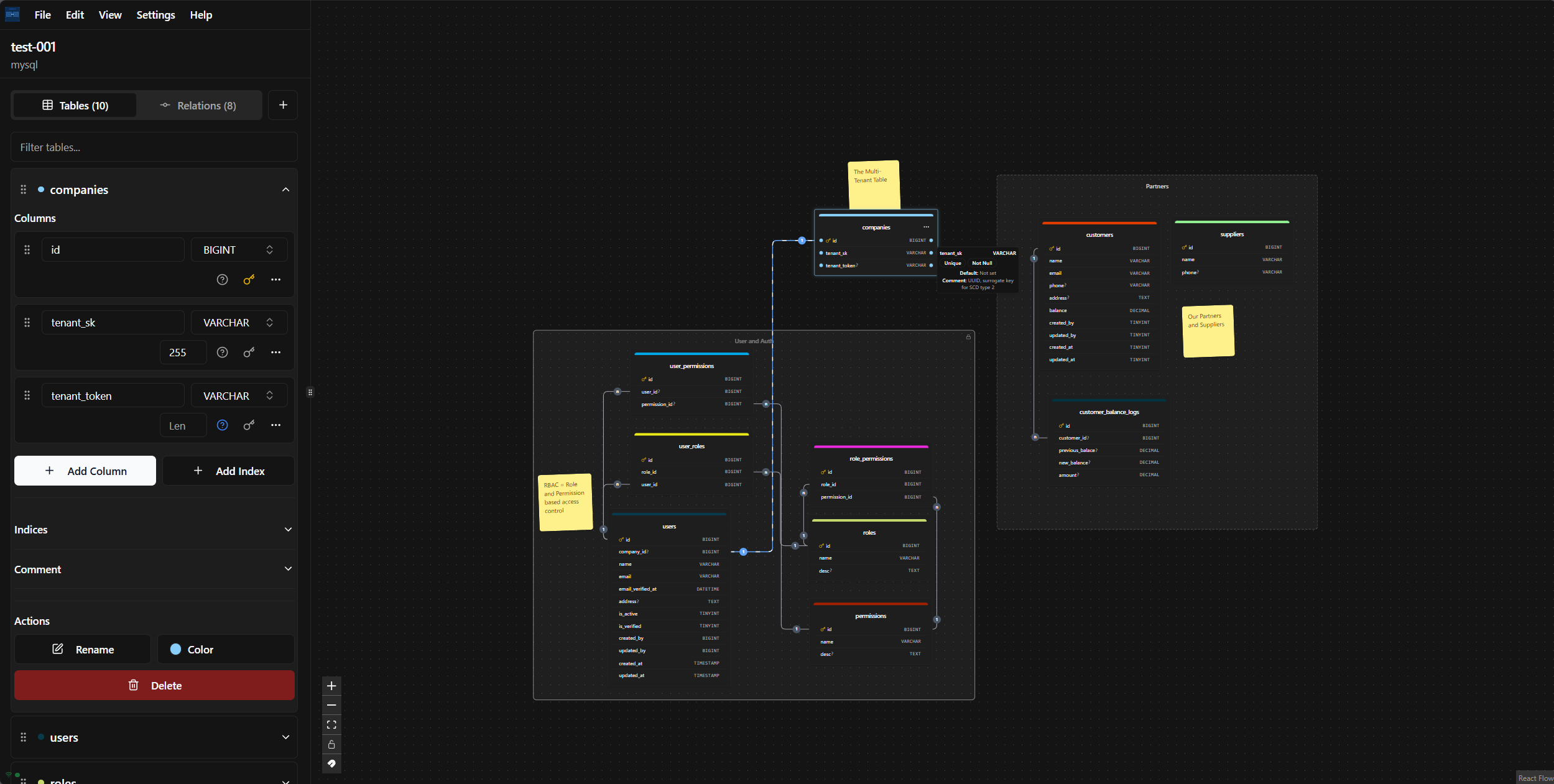
Thoth Blueprint is a powerful database design tool that allows you to visualize your database schema with an intuitive drag-and-move editor. Create, edit, and export your database designs to various formats, including SQL, DBML, JSON, and SVG. Generate migration files for popular frameworks/ORM like Laravel, TypeORM, and Django.
Thoth Blueprint is a sophisticated visual database design tool that empowers users to create and manage database schemas using a user-friendly drag-and-drop interface. This innovative tool enables users to visually represent database structures, making the complex process of schema design accessible and intuitive.
Key Features
- 🎨 Visual Database Design: Utilize an intuitive drag-and-drop editor to create database schemas effortlessly.
- 🔄 Multiple Export Formats: Export designs in various formats, including SQL, DBML, JSON, and SVG, providing flexibility for development and documentation purposes.
- 🚀 Framework Migration Generation: Effortlessly generate migration files compatible with popular frameworks and ORM tools such as Laravel, TypeORM, and Django, streamlining the development process.
- 🔧 Offline First: Work seamlessly without an internet connection, allowing for uninterrupted diagramming at any time.
- ⚡ No Limits: Create and manage an unlimited number of diagrams, ensuring complete freedom in design.
- 🔐 Data Ownership: All project data is stored locally, providing users with full control and privacy over their designs.
- 📱 Progressive Web App: Install Thoth Blueprint as an app on devices for a native-like experience tailored to users' preferences.
- 📝 Notes & Zones: Enhance organization by adding notes and creating zones to group related tables, improving clarity and management of designs.
- 🔒 Zone Locking: Protect zones from unintended modifications by locking them, ensuring stability in design.
- 📋 Copy/Paste Functionality: Quickly duplicate tables and other elements, facilitating efficiency in designing complex schemas.
- ⌨️ Keyboard Shortcuts: Accelerate workflow with a suite of keyboard shortcuts designed to simplify operations and enhance productivity.
Usage Overview
To begin creating a new database design, simply click the "New Diagram" button. Users can drag tables from the sidebar, define columns with specific data types, create relationships by connecting tables, and organize their designs using zones. Additionally, users can document their design decisions with notes and utilize the export functionality to generate migration files or export designs.
Advanced Features
Thoth Blueprint not only allows for meticulous database design but also offers advanced tools such as:
- Organizing with Notes and Zones: Enhance diagram organization with the addition of notes and the ability to group tables in designated zones.
- Clipboard Functionality: Enable rapid development through copying and pasting of tables and notes.
- Keyboard Shortcuts for Efficiency: Streamline design processes with an intuitive set of keyboard shortcuts, allowing for faster navigation and manipulations.
Thoth Blueprint is an essential tool for database developers and architects looking to improve their database design workflow with a visually engaging, flexible, and user-driven approach.
Comments
0Start the conversation
Share the first comment.